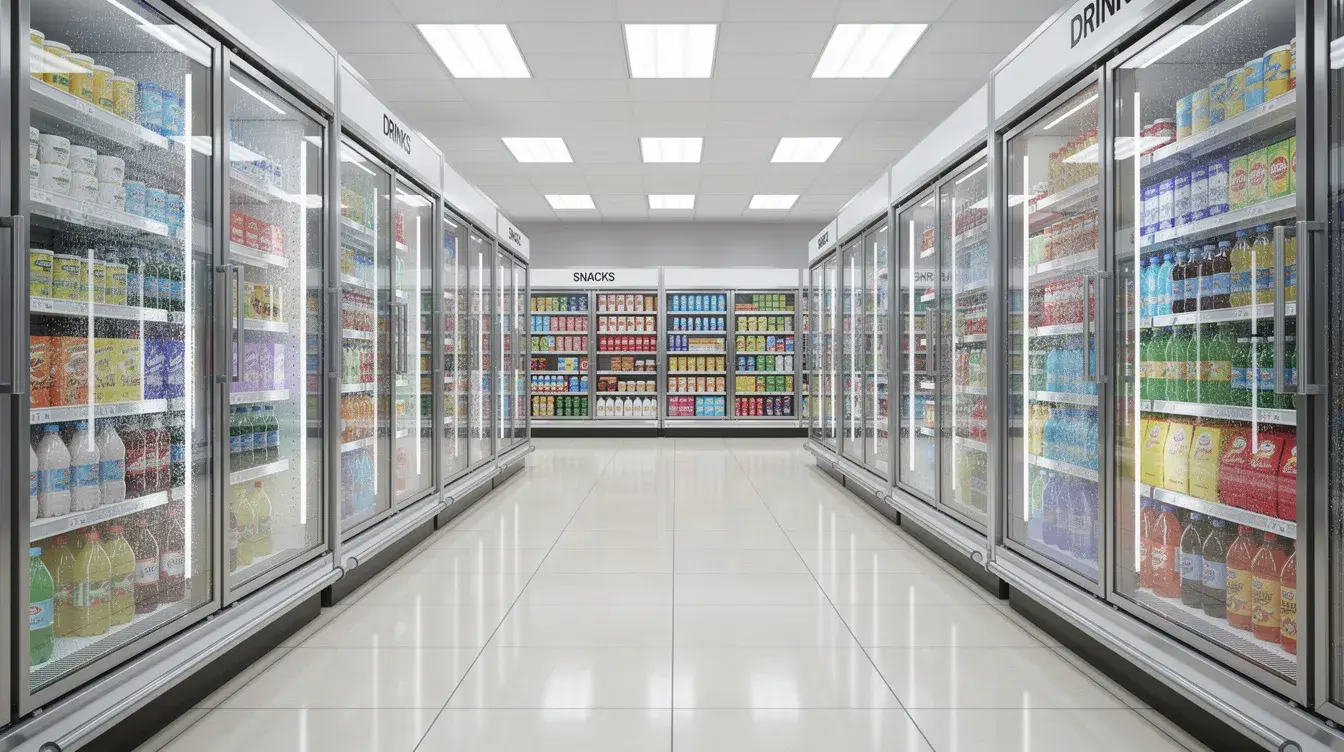
A refrigeration temperature sensor measures the temperature inside a cooler or freezer and sends the reading to a temperature monitoring system. When the temperature stays outside the range you set, the system raises an alarm and alerts the right people by text, email or app, so staff can act before food spoilage or equipment damage sets in.
This guide is for restaurant and convenience store operators, facility managers and anyone responsible for commercial refrigeration. It covers which sensors to use, where to place them in walk-ins, freezers and reach-ins, how to set alarm thresholds and delays, and who should receive temperature alerts.
What Is a Refrigeration Temperature Sensor?
A refrigeration temperature sensor is a device that tracks the internal temperature of a refrigeration unit and transmits that temperature data to a display, a local controller or the cloud. In commercial kitchens and c-stores, sensors replace or support manual thermometer checks, so readings are recorded around the clock instead of a few times per shift.
A commercial refrigerator temperature sensor does three jobs:
- Measures air or product temperature inside the unit
- Records readings over time, building a temperature log
- Triggers alerts when temperatures move out of range for longer than a set delay
Note that this differs from the built-in temperature sensor (thermistor) inside a fridge’s own control board. That part tells the appliance when to cool; a monitoring sensor tells people when something is wrong.
Why Refrigerator Temperature Monitoring Matters
Refrigerator temperature monitoring protects product, food safety and equipment, and helps maintain the cold chain from delivery to sale. Cold storage in a restaurant or c-store runs 24/7, and problems often start when no one is on site: overnight, on weekends or during a busy rush when nobody checks the walk-in.
Common concerns that monitoring helps address:
- Food spoilage when a cooler or freezer can’t hold temperature
- A door left open after a delivery or restock
- Slow equipment decline, where a unit runs longer each day to hold proper temperatures
- Missed manual checks, which leave gaps in temperature logs
Types of Temperature Monitoring Sensors
The right temperature sensor depends on the unit, the layout of the store and whether you need to track air temperature or product temperature.
Sensor Element Types
Most commercial refrigeration sensors use one of three sensing elements:
| Sensor element | Strengths | Trade-offs |
|---|---|---|
| Thermistor (NTC) | Cost-effective, fast response, common in refrigeration | Narrower temperature range |
| RTD (resistance temperature detector) | High accuracy and long-term stability | Usually costs more |
| Thermocouple | Very wide temperature range | Lower precision at refrigeration temperatures |
For coolers and freezers, thermistors and RTDs are the most common choices.
Wireless vs Wired Sensors
Wireless sensors transmit readings to a gateway or directly to the cloud, which makes them an easy way to add monitoring to existing walk-ins and reach-ins without running new wire. Wired sensors connect to a controller with a cable and suit new builds or units where a wireless signal is weak. Sensors can feed an existing refrigeration controller or an independent monitoring system. Wireless devices usually run on batteries, so ask any vendor about battery life, how the system warns you when batteries run low, and how the system reports during a power outage.
eViewIoT’s temperature monitoring solutions use wireless sensors that send data automatically to the cloud, so readings are available from a computer, browser or mobile app.
Air Temperature vs Buffered Temperature Probes
An air sensor measures the temperature of the air inside the box. It reacts quickly to temperature changes, including a door left open or a defrost cycle. Buffered temperature probes, for example a probe placed in a glycol bottle, mimic the core temperature of stored food and smooth out short swings in air temperature, which reduces false alarms from door openings. Many operators use an external probe in freezers and walk-ins for this reason. A combination of both gives the clearest picture.
Door Sensors and Other Inputs
Some systems add door sensors or read equipment data such as compressor cycles and defrost behavior. Humidity sensors exist too, but most restaurants and c-stores focus on temperature, which is what food safety rules measure.
How to Choose a Commercial Refrigeration Temperature Sensor
Choose a sensor based on accuracy, response time and the operating environment it will live in. Before you buy, check that:
- It is rated for the temperature range. Freezer sensors and every connected component must work reliably below 0°F.
- It handles moisture. Walk-ins and freezers create condensation, so commercial sensors should be sealed or waterproof.
- It can be calibrated or tested. You should be able to check accuracy against a reference thermometer.
- It fits your monitoring setup. Multiple sensors should report to one system for centralized data logging and alerts.
Where to Place Sensors in Walk-Ins, Freezers and Reach-Ins
Place each sensor where it reflects the temperature of stored food, not the coldest or warmest spot in the box. Mount sensors away from the evaporator fan and direct discharge air, and never rely on a single sensor next to the door. Good sensor installation matters as much as the device itself.
| Unit | Recommended placement | Notes |
|---|---|---|
| Walk-in cooler | Middle shelf, away from the evaporator coil and door | Large walk-ins may need more than one sensor |
| Walk-in freezer | Middle of the box, away from the coil and defrost heaters | A buffered probe helps avoid alarms during defrost |
| Reach-in fridge or freezer | Center of the cabinet, mid-height | Frequent door openings cause short temperature fluctuations |
| Prep table and chef base | Inside the refrigerated base | These units sit next to hot cooking lines |
| Salad bar and service-area units | In or near the product well | Watch for long service periods |
| Chest freezer or deep freezer | Mid-depth, away from the lid seal | Check for ice buildup around the probe |
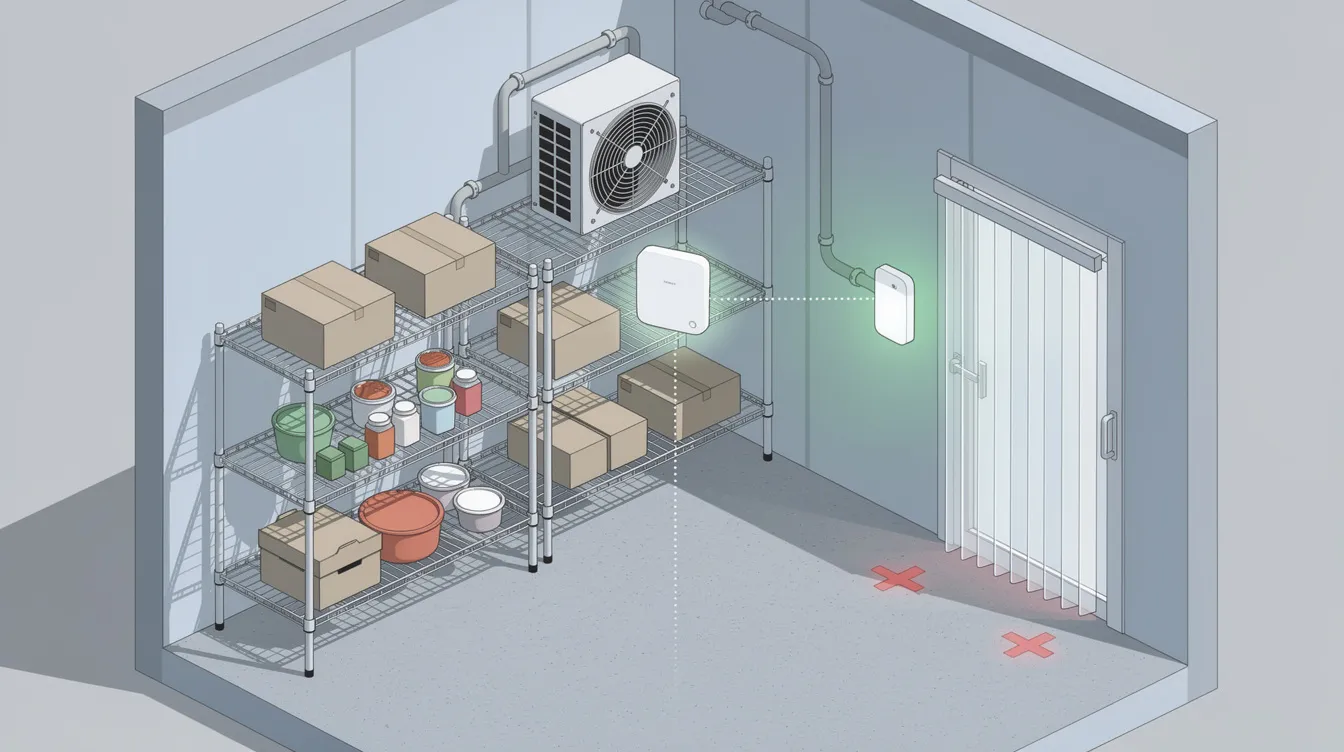
eViewIoT monitors walk-in coolers, walk-in freezers, reach-ins, prep tables, chef bases, salad bars and other service-area refrigeration. Learn more about walk-in and freezer temperature monitoring.
How to Set Refrigeration Alarm Thresholds and Delays
A good refrigeration alarm combines a temperature threshold with a time delay. The threshold defines what “out of range” means; the delay stops alerts during normal events such as deliveries, restocking and defrost.
Start with food safety limits. The FDA Food Code requires cold-held food to be kept at 41°F or below, and USDA guidance says frozen foods should be held at 0°F or below.
| Unit | Food safety reference | How to set the alarm |
|---|---|---|
| Walk-in cooler or reach-in fridge | 41°F or below (FDA Food Code) | Set the high alarm at or below 41°F, with a delay long enough to cover door openings |
| Walk-in or reach-in freezer | 0°F or below (USDA) | Set the high alarm above normal defrost peaks, with a delay that covers the defrost cycle |
| Prep tables and service units | 41°F or below for cold-held food | Use a delay that fits service periods |
How long should the delay be? It depends on the unit and how it is used. The goal is an alarm that fires when a refrigeration unit truly cannot hold proper temperatures, not every time a door opens. For example, eViewIoT’s refrigeration page describes alerts when a fridge or freezer stays outside predefined thresholds for more than 60 minutes. Review your alarm history after the first few weeks and adjust any threshold that creates false alarms.
Who Gets Temperature Alerts and How
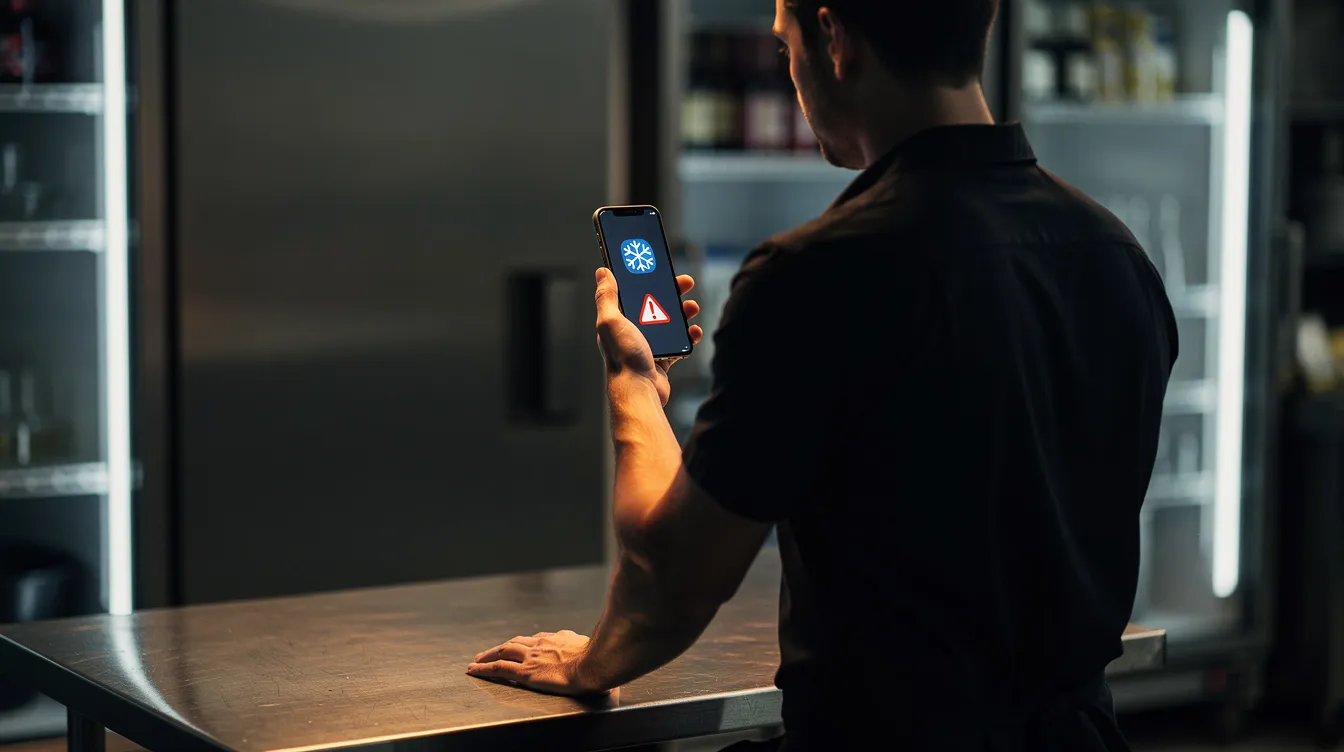
Temperature alerts only help if they reach someone who can act. Define who receives each alarm, through which channel and what they should do.
With eViewIoT, real-time alerts are sent by text, email, mobile app or dashboard, depending on the scenario and user setup. A common routing approach:
- Store manager or shift lead: first alert, to check the door, move product or call for service
- Area or facilities manager: alert if the problem continues
- Service technician: better context before arriving on site
Instant alerts are especially valuable overnight and on weekends, when no one is on site to notice a warm walk-in and act immediately. Set up refrigeration temperature alerts for every unit that holds high-value or perishable product.
What Remote Monitoring Can Catch Besides High Temperature
Remote monitoring does more than flag a warm box. With eViewIoT, abnormal room and coil temperature patterns and runtime trends can help reveal:
- Door-open conditions
- Ice buildup
- Units running longer than normal
- Improper refrigeration behavior and potential freezer and cooler failures
Historical temperature data also helps teams review periodic defrost cycles and tell normal defrost behavior apart from genuine temperature issues. For more on catching problems early, see our guide to preventing walk-in cooler failures.
Better control of defrost can also save energy. Adaptive refrigeration control reduces unnecessary defrost cycles by up to 70%. In one walk-in freezer case study at a quick-service restaurant in Quebec, defrost cycles were reduced by 70%. Results vary by site, equipment condition and operating schedules.
Temperature Logs and HACCP
Automated logging replaces paper temperature logs with a continuous record that is useful for HACCP documentation and audits. With eViewIoT, temperature data is logged automatically, and automated reporting helps teams organize the records used for FDA requirements and health inspections.
Automated temperature monitoring supports HACCP compliance through automated logging, but it does not replace your food safety plan. Operators remain responsible for corrective actions and record-keeping requirements that apply to their business.
A few good practices for accurate logs:
- Test and calibrate: compare each sensor against a calibrated reference thermometer on a regular schedule, and recalibrate or replace any device that drifts. Regular calibration keeps accuracy where it should be.
- Note corrective actions: record what staff did when an alarm fired.
- Review trends: look at weekly temperature history, not only alarms.
Monitoring One Store vs Many Locations
A single store needs reliable sensors, sensible thresholds and alerts to the manager. Multi-location operators need the same plus one view of every site.
With eViewIoT, facility managers can monitor multiple locations from a single solution, compare temperatures, runtime and energy across sites, and receive location-based alarms. This makes it easier to track which stores have recurring refrigeration problems and to standardize how teams respond.
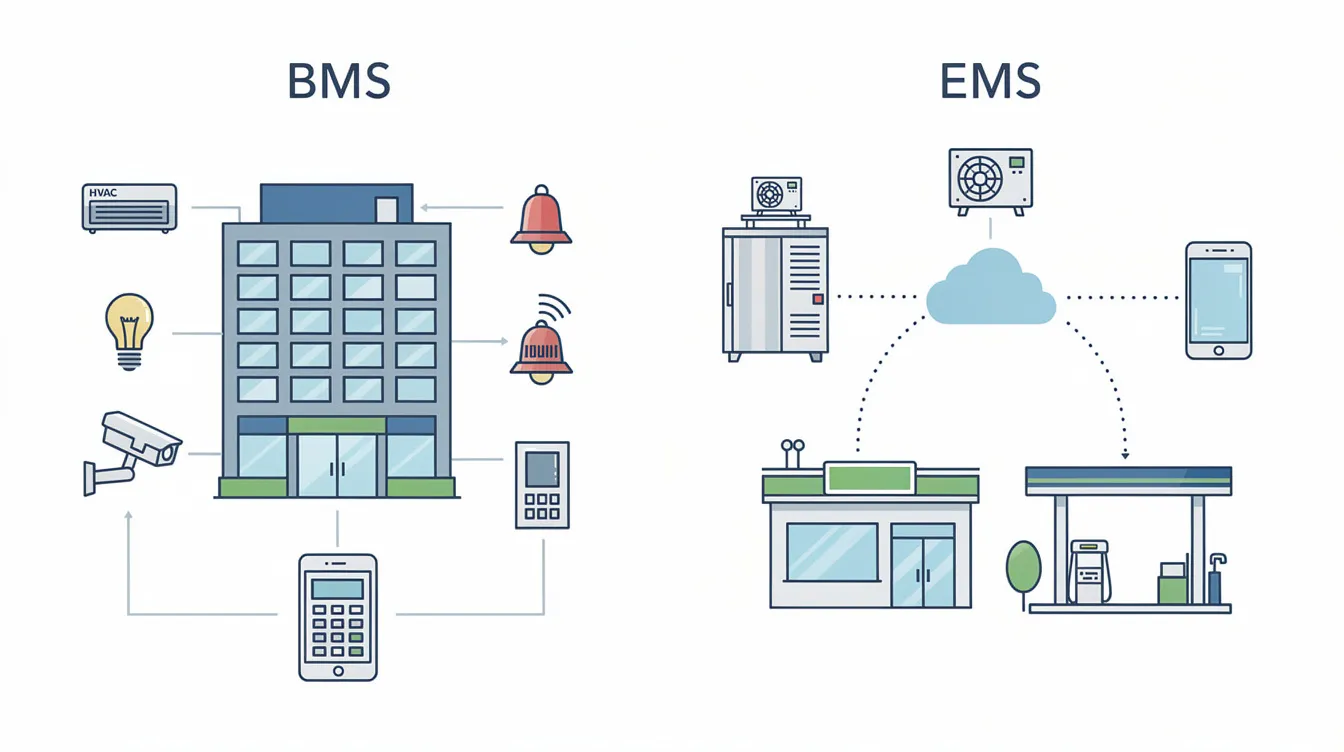
eViewIoT is offered as a subscription with no up-front capital, and it is the result of more than a decade of helping businesses shrink their energy footprint. If you are weighing a full building system against a simpler platform, see BMS vs EMS. For business-specific details, explore c-store refrigeration monitoring and restaurant energy management.
Frequently Asked Questions
What does a refrigeration temperature sensor do?
It measures the temperature inside a cooler or freezer, records the readings and, as part of a monitoring system, sends an alert when the temperature stays outside a set range.
How can I monitor the temperature in my commercial refrigerator?
Place a temperature sensor or probe in the middle of each fridge or freezer, connect it to a monitoring system, and set alarm thresholds and delays. A connected system records readings automatically and sends alerts to your phone or email.
What temperature should a walk-in cooler be?
The FDA Food Code requires cold-held food at 41°F or below, so walk-in coolers should hold product at or below 41°F. Walk-in freezers should keep frozen foods at 0°F or below, per USDA guidance.
How many sensors does a walk-in need?
Most walk-ins need at least one sensor in the middle of the box, away from the coil and door. Larger walk-ins, or boxes with uneven airflow, may need more than one.
How do I know if a temperature sensor is bad?
Test it against a calibrated reference thermometer placed in the same spot. If the readings differ by more than your tolerance, or the sensor stops reporting, recalibrate or replace it.
Can monitoring reduce defrost cycles?
Monitoring shows how often defrost runs, and adaptive refrigeration control can reduce unnecessary defrost cycles by up to 70%. Results vary by site and equipment.
Protect Product Across Every Store
The right sensors, thresholds and alert routing turn refrigeration monitoring into a reliable early warning for every walk-in, freezer and reach-in. Get a monitoring and savings estimate for your locations.